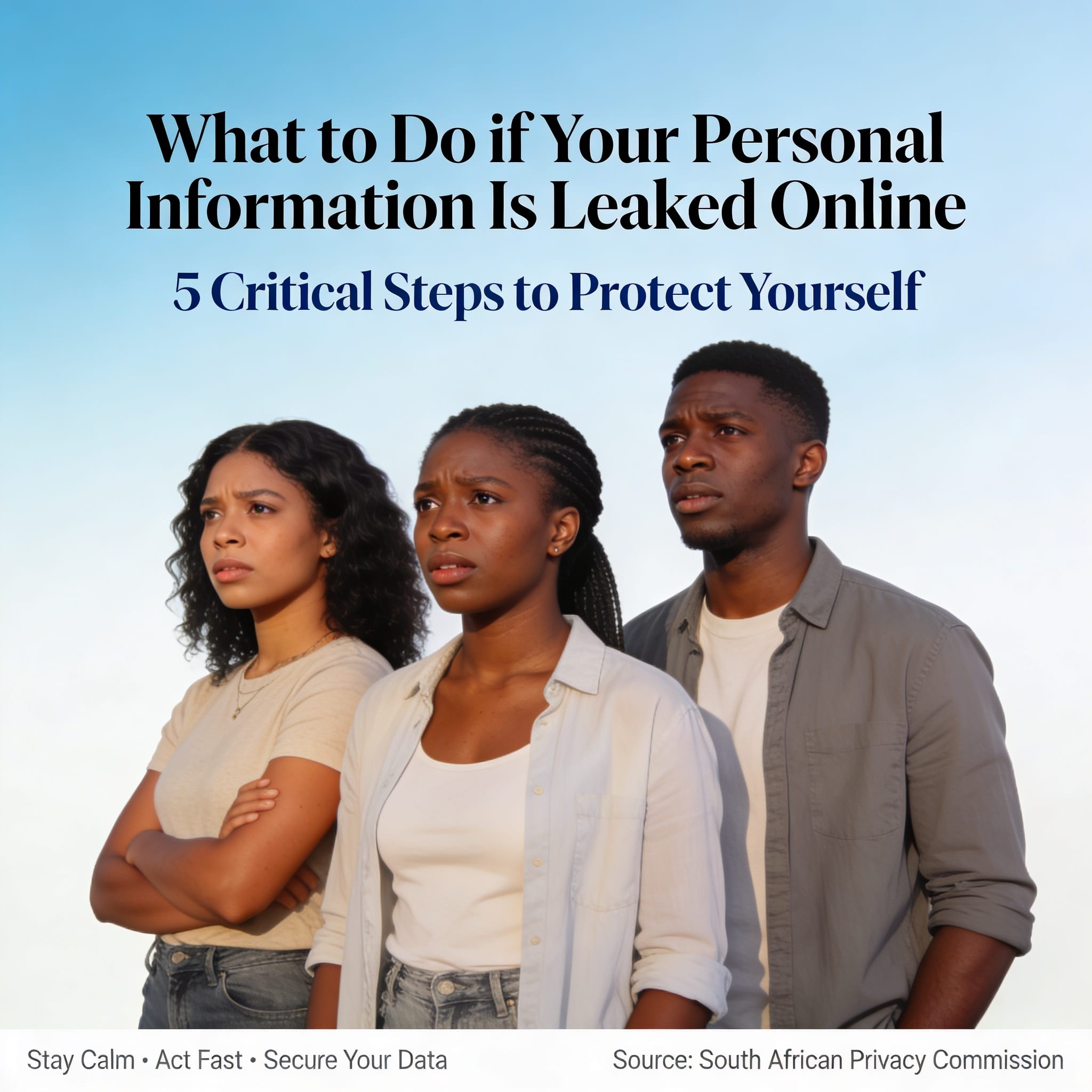

Many South Africans lose money, time, and peace of mind after their personal details are leaked online. A single data breach can lead to scams, fake loans, SIM swap fraud, or identity theft. If this has happened to you, you must act quickly. In a country where many people apply for jobs, grants, and services online every day, the risk is real. This guide from SETA SA explains what you should do now, in simple steps that can help protect you.
What to Do If Your Personal Information Was Leaked Online
A personal information leak happens when your private details are exposed, stolen, shared, hacked, or used without your permission. This can happen after a company is hacked, or when scammers trick you into sharing your details through fake messages, fake job adverts, or fake websites.
When this happens, the main goal is to protect your money, your accounts, and your identity. Many applicants struggle with this because they do not know where to start. The good news is that there are clear steps you can take right away.
Quick Overview
| Topic | Details |
| Article Focus | What to do after your personal information is leaked online |
| Main Risks | Identity theft, scams, fraud, fake loans, SIM swap fraud |
| Important First Step | Change passwords immediately |
| Most Common Leaked Information | ID numbers, phone numbers, passwords, bank details |
| Where to Report Fraud | SAPS, banks, credit bureaus, service providers |
| Who Is Most Targeted | Job seekers, grant beneficiaries, online shoppers |
| Important Law | POPIA (Protection of Personal Information Act) |
What Information Is Usually Leaked?
Criminals do not only want your passwords. They often look for anything that can help them pretend to be you or access your accounts.
This may include:
- South African ID number
- Passport details
- Banking information
- ATM PINs
- Passwords
- Email addresses
- Cellphone numbers
- Physical home address
- Medical records
- CVs and job application documents
- Photos of IDs or bank cards
- Tax information
- SASSA details
- UIF information
In South Africa, job seekers are often targeted because they share ID copies, CVs, and contact details while applying for work. That makes them easier targets for fraud if the information is not handled carefully.
Warning Signs That Your Details May Be Compromised
Sometimes you do not notice the leak right away. But there are warning signs you should never ignore.
Look out for these signs:
- Receiving OTP requests you did not start
- Strange debit orders on your bank account
- Loan approvals you never asked for
- Debt collectors contacting you without reason
- Your SIM card suddenly losing signal
- Password reset emails you did not request
- Suspicious login alerts
- Friends getting strange messages from your account
- Your email password no longer works
- Fake social media profiles using your name
- Scam calls that mention private details about you
If any of these happen, treat it as a serious warning. Do not wait for the problem to grow.
Step 1: Change Your Passwords Immediately
This is the first thing you should do. Start with the accounts that matter most.
Begin with:
- Online banking
- Email accounts
- Social media accounts
- Government service portals
- Shopping apps
- Cloud storage accounts
Your new password should be strong and hard to guess. Use a mix of uppercase letters, lowercase letters, numbers, and symbols.
Avoid using:
- Your birthday
- Your name
- Your cellphone number
- “123456”
- “password”
Do not use the same password on more than one site. If one account is compromised, the others can quickly follow.
Step 2: Turn On Two-Factor Authentication
Two-factor authentication, or 2FA, gives your account an extra layer of protection. Even if someone steals your password, they may still not get in.
Enable 2FA on:
- Banking apps
- Gmail accounts
- Outlook accounts
- SARS eFiling
- PayPal
- Shopping platforms
This step matters because many fraud cases start with stolen login details. 2FA can stop a criminal even after they have your password.
Step 3: Contact Your Bank Without Delay
If your banking details may have been exposed, contact your bank immediately. Do not wait until money disappears.
Ask the bank to:
- Monitor suspicious activity
- Freeze compromised cards if needed
- Block suspicious debit orders
- Add fraud alerts
- Reset digital banking access
- Investigate unauthorised transactions
Many victims lose more money because they wait too long before speaking to their bank. Fast reporting can make a big difference.
Step 4: Check for SIM Swap Fraud
SIM swap fraud is a major problem in South Africa. Criminals use stolen personal information to move your number onto another SIM card. When that happens, they can receive your OTPs and reset your banking access.
Warning signs include:
- Your phone suddenly loses signal
- “No Service” appears without warning
- SMS messages stop arriving
If this happens:
- Contact your mobile network right away
- Block the SIM swap if possible
- Reset your banking passwords
- Tell your bank immediately
This is one of the fastest ways criminals can take over your financial accounts, so do not ignore it.
Step 5: Check Your Credit Record
Identity thieves sometimes use leaked details to open loans, store accounts, or contracts in your name.
You should check your credit profile through registered South African credit bureaus.
Look for:
- Loans you never applied for
- Store accounts you do not know
- Wrong addresses
- Unknown employers
- Credit checks you did not authorise
If you find anything suspicious:
- Dispute the account at once
- Report the identity theft
- Ask for a fraud alert on your profile
Step 6: Open a Case at SAPS
If someone has already used your information fraudulently, report it to the South African Police Service.
Take along:
- Your ID document
- Proof of suspicious activity
- Bank statements
- Screenshots
- Emails or SMS evidence
A police case number can help when you deal with banks, insurers, or credit providers. Keep all records safe.
Step 7: Watch Out for Follow-Up Scams
After a leak, scammers often try again. They know you are worried, and they may pretend to be helpful.
They may claim to be:
- Banks
- Cybersecurity companies
- Government officials
- Police investigators
- SASSA representatives
- Insurance companies
They may say they are helping you get your money back, but they are really trying to steal more information.
Never share:
- OTPs
- PINs
- Passwords
- Banking login details
Real banks will never ask for your OTP or PIN over the phone.
Step 8: Remove Public Personal Information
Search your name online and see what appears. Many people are surprised by how much personal information is visible publicly.
Hide or remove:
- ID documents
- CVs with full personal details
- Home addresses
- Banking details
- Personal phone numbers
- Copies of certificates
- Passport photos
Be careful on:
- Telegram groups
- WhatsApp groups
- Public job forums
Scammers often collect details from open posts, especially when people are looking for jobs or bursaries.
Step 9: Keep Monitoring for Months
Data leaks do not always cause damage immediately. Sometimes criminals wait weeks or months before they act.
Keep checking:
- Bank accounts
- Email logins
- Credit reports
- Government profiles
- Social media accounts
Regular checks can help you catch fraud early. The sooner you spot it, the easier it is to limit the damage.
Common Ways South Africans Get Their Details Leaked
Fake Job Applications
Scammers often post fake jobs to collect ID copies, CVs, bank details, and qualifications. This is very common on social media groups and informal job pages.
Fake SASSA Messages
Some criminals send fake SASSA links and ask people to “verify” their details. Always confirm government messages through official platforms before you click anything.
Public Wi-Fi Networks
Unsecured public Wi-Fi can expose passwords and login sessions. Avoid logging into banking apps on public networks where possible.
Phishing Emails and SMS Messages
These messages often pretend to be from banks, SARS, courier companies, Home Affairs, or online stores. Check web addresses carefully before you open any link.
What POPIA Means for You
POPIA is the Protection of Personal Information Act in South Africa. It says organisations must protect customer information properly.
If a company suffers a data breach, they may need to tell affected users. POPIA helps protect people from unlawful sharing, careless handling, and unauthorised use of personal information.
Even so, you still need to protect yourself. Personal security is now part of everyday life.
How to Protect Yourself Going Forward
Once you have handled the immediate danger, build better habits for the future. Small steps can stop big problems later.
Use these habits:
- Use different passwords for every account
- Never share OTPs
- Avoid suspicious links
- Update your devices regularly
- Use antivirus software
- Limit public sharing of personal documents
- Check job adverts carefully
- Turn on account notifications
- Review bank statements often
If you apply for jobs, bursaries, internships, or government opportunities online, treat your documents with care. Many fake recruiters use urgency and hope to trap people.
Edupstairs Advice
Many South Africans do not realise how valuable their personal information is to criminals. An ID number, cellphone number, or bank detail may seem small, but it can be used to cause serious damage.
Young job seekers are often the easiest targets because they are eager to find work. Scammers know this, so they use fake jobs, fake recruiters, and fake application forms to collect documents.
Before sending any document online:
- Check that the organisation is real
- Use official websites only
- Avoid suspicious WhatsApp recruiters
- Never pay money for a job
- Be careful where you upload your CV
Digital safety is now part of job hunting in South Africa. It matters when you apply for jobs, grants, bursaries, or other opportunities online.
Frequently Asked Questions
Can someone steal money using only my ID number?
By itself, an ID number may not always be enough. But when it is combined with other leaked details, it can be used for fraud, scams, and identity theft.
Should I replace my bank card after a leak?
If your banking details were exposed, it is often safer to replace the card and reset your online banking details.
What is the biggest danger after a leak?
Identity theft and financial fraud are among the biggest risks.
Can criminals open accounts in my name?
Yes. In some cases, they use stolen details to apply for accounts, loans, and contracts.
Is it safe to send ID copies online?
Only send documents through trusted and verified platforms.
Final Advice
If your personal information has been leaked, act quickly, stay calm, and follow each step carefully. Change your passwords, call your bank, check your credit record, and report anything suspicious.
You may not be able to undo the leak, but you can still reduce the harm. Keep watching your accounts over the next few months and do not trust unknown callers or messages.
Disclaimer: This article is for information and awareness only. It is not legal, banking, or cybersecurity advice. For fraud or identity theft cases, speak to the correct authorities or a qualified professional.
EDUPSTAIRS IS A REGISTERED NON-PROFIT ORGANISATION NPO No: 232 – 182, PUBLIC BENEFIT ORGANISATION (PBO): 930066984. EDUPSTAIRS DOES NOT, IN ANY WAY OR FORM, SOLICIT MONEY OR CV’S FROM PEOPLE FOR JOBS. PLEASE BE AWARE OF PHONY JOB POSTINGS AND RECRUITMENT FRAUD. USE THE EDUPSTAIRS SCAM DETECTOR TOOL TO SPOT A SCAM BEFORE YOU APPLY.